Start free, and scale up when you need to.

Pricing
Start free, and scale up when you need to.
Connecting and screen mirroring are free. Integrations like messages, webcam, and mic live in Pro.
Free
Connect your phone and see its screen on your Mac.
- Wireless pairing & auto-reconnect
- Screen mirroring (lower resolution)
- Mouse & keyboard control
- Battery · Device status
Pro
Mirroring, control, and then some.
Billed yearly · About $3 a month
- Full-resolution mirroring & control
- Phone camera as a Mac webcam (1080p)
- Noise-cancelling microphone
- Phone apps in multiple windows
- Messages · Notifications · Calls · Contacts
- Gallery · photo auto-import
- Files · clipboard sync
- Priority updates · support
Instant license key by email · Cancel anytime
Pay with all major cards & digital wallets
Payments are handled securely through Paddle, with tax and receipts issued automatically. Cancel anytime.
Frequently asked
Got questions? We've answered them up front.
Want more? Check the guide or drop us an email.
It's a macOS-native app that lets you use your Android phone right from your Mac. Screen mirroring and control, plus messages, calls, notifications, contacts, files, and media — all in one place. Think of it as Windows' Phone Link, but for your Mac.
No. It's optimized for Galaxy, but it works with most Android phones. Apart from a few Samsung-only features, all the core capabilities work on any Android.
You only turn on the wireless connection once. It's needed for features like screen mirroring and control, and the app walks you through it right on screen. Set it up once, and from then on it connects automatically the moment you open your Mac.
No rooting required. You just enable wireless debugging once, and the app points you through that step on screen. There's no terminal and no commands to learn.
Connecting your phone and screen mirroring (at a lower resolution) are free. Full-resolution mirroring and integrations like messages, notifications, calls, webcam, and mic unlock with Pro. You can start without entering a card.
Every connection happens directly between your Mac and your phone, and only there. Personal data like messages, contacts, and calls never passes through an outside server.
That app is Windows-only. Syncsaurs was built for the Mac from the ground up, with high-quality mirroring and effortless typing.
macOS 15 or later and Android 11 or later (for the wireless connection). As long as both devices are on the same Wi-Fi, they connect without a cable.
Payments are handled securely through Paddle (cards and digital wallets, with automatic receipts). To cancel, use the Manage subscription page — enter your purchase email and we'll email you a manage/cancel link. After cancelling you keep Pro until the end of your billing cycle, then switch back to Free automatically.
Cancelling stops future charges but isn't a refund — for a refund, email support@syncsaurs.app from the address you bought with, and we'll review it in line with applicable consumer law. As Pro is a digital product, not every request can be refunded. Approved refunds go through Paddle to your original payment method.
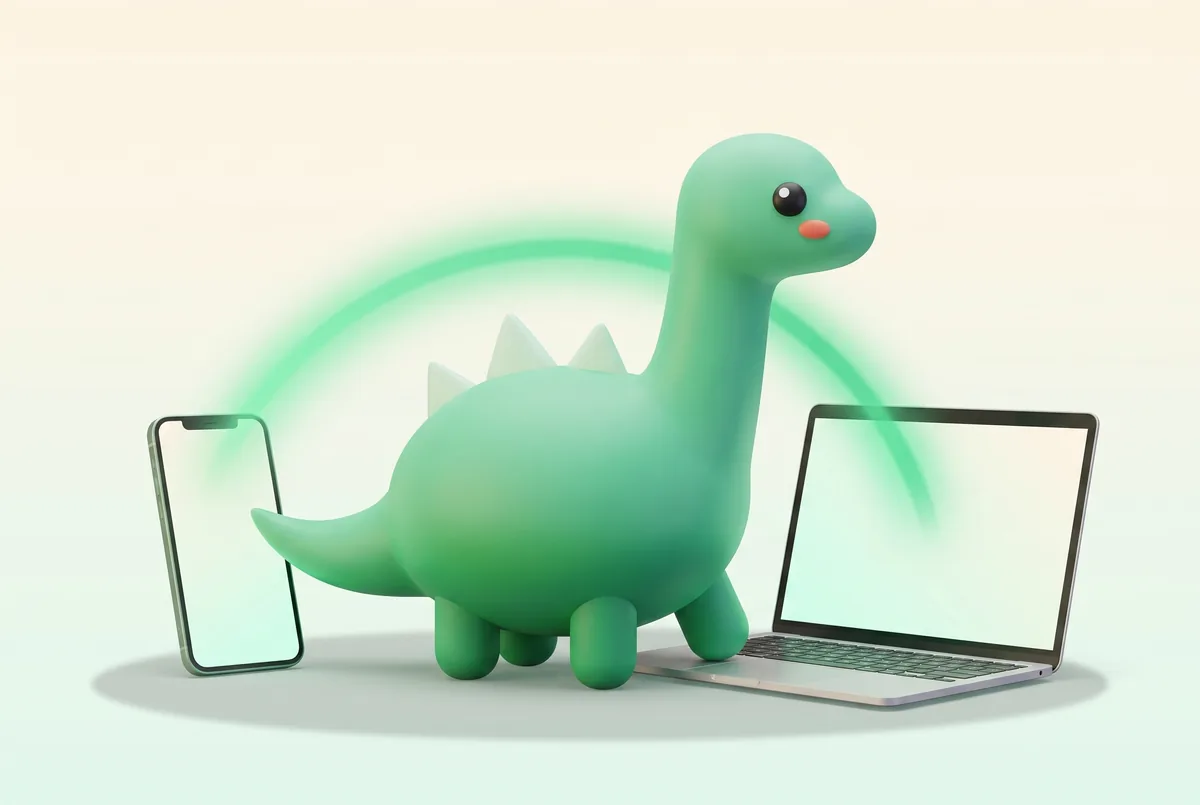
Put your phone down and pick up where you left off — on your Mac.
Start free today and see your Galaxy come to life on your Mac.
- Free
- macOS 15+
- Notarized by Apple
- No credit card required